
Apple Outage: What to Do When Your iPhone Locks You Out
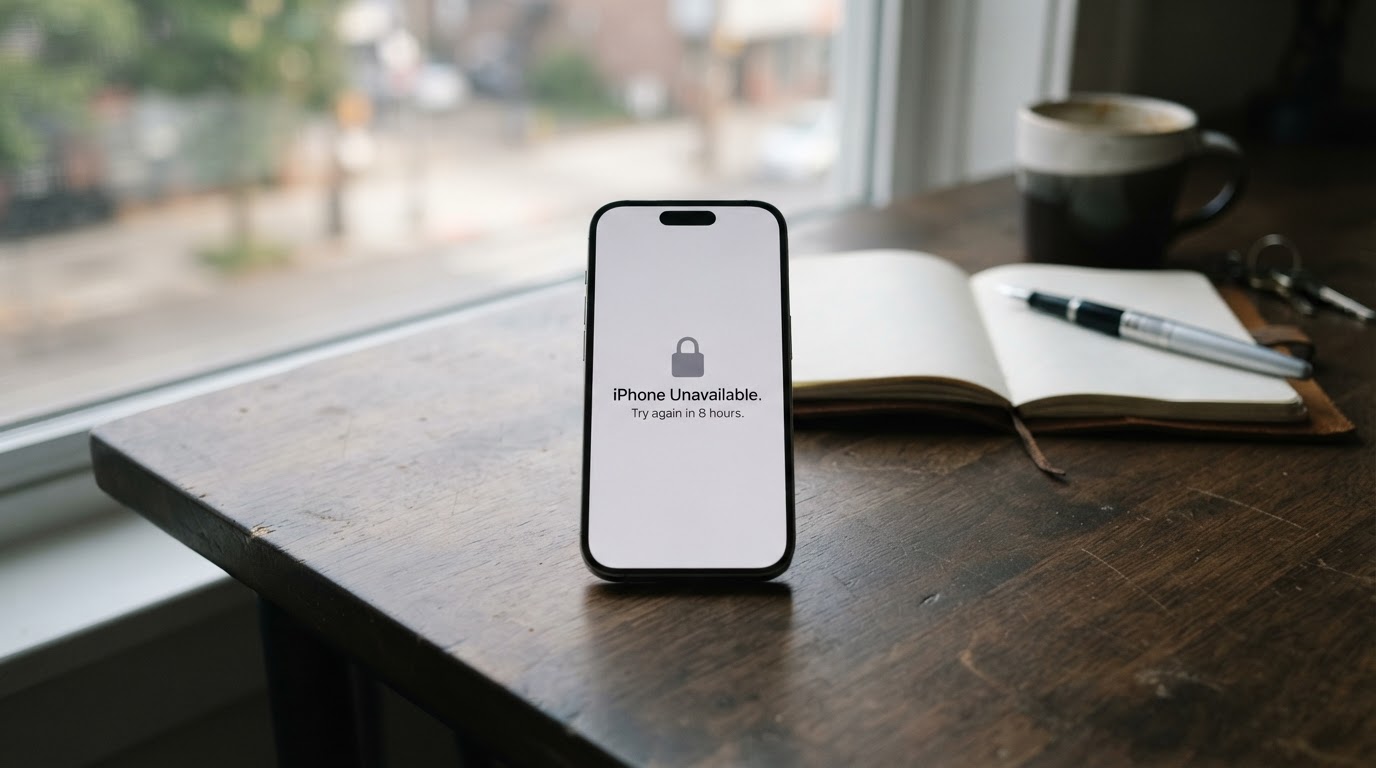
On Nov 17 an update took iCloud, Apple Pay, and the App Store offline for hours. If sign-ins fail: switch rails, keep a backup, and make the next one boring.
This article contains affiliate links. If you buy through these links, we may earn a small commission at no extra cost to you.
On Tuesday morning, November 17, iPhones started signing their owners out. Around 11:15 a.m. ET, Apple's own System Status page began logging problems: AppleCare purchasing went down first, then iCloud account sign-in slowed or stopped for what the page described as all users. By early afternoon the list had grown to include the App Store, Apple Music, iCloud Mail, iCloud web apps, and several school and business services. People reported being signed out of iCloud on their phones and Macs, then hitting verification failures when they tried to sign back in. Others found the App Store would not load, Apple Pay would not complete, and brand-new iPhones would not activate.
Downdetector logged about 2,300 US Apple Pay problem reports around 12:20 p.m. ET and about 1,800 for iCloud at the peak, per Reuters. Those counts reflect user-submitted reports, not Apple's totals. The failure even reached Apple's stores: staff in New York and Chicago told NBC News their internal systems were down and they could not complete purchases or book appointments. By about 6 p.m. ET the status page showed consumer services available again, though some developer services took longer.
Apple's explanation was blunt. In a statement carried by Bloomberg, NBC, and USA Today, the company said an internal update caused the problems and that they were not the result of a cyberattack: many systems were back up and running, with the rest to follow as soon as possible. It was also the second Apple outage in eight days. A separate iCloud disruption on November 10 had hit Mail, Calendar, Contacts, and sign-in.
The fourth failure in six days
Tuesday did not happen in isolation. Last Thursday a Microsoft outage knocked Outlook and Teams offline worldwide. On Friday the FAA halted every US departure for more than four hours over a telecommunications failure (here is what stranded travelers learned). On Monday a Chase software bug stalled payments at the country's largest bank (here is what to do when banking goes down), while United Airlines dealt with its own system problem the same day. Every one of these was attributed to a technical fault, not an attack. Stacked end to end across six days, they make the same point from four directions: the everyday systems feel solid until the day they are not.
Your phone sits at the center of that fragility. For most people it is the wallet, the boarding pass, the photo album, and the contact list. Tuesday showed what happens when the company running the identity layer pushes a bad update. Nobody lost data. But for several hours, plenty of people could not pay, download, sign in, or set up the new device in the box on the table.
While it is happening: switch rails, not retry buttons
When sign-in fails across a whole platform, mashing retry does not speed the platform up. Check the status page first. Apple's System Status page lists every service with a green or red marker and timestamps, so one glance tells you whether the problem is your phone or Apple's servers. If it is Apple's, put the phone down for an hour instead of signing out and back in repeatedly. Each failed attempt costs attention, and repeated failures can temporarily lock the account you are trying to rescue.
Pay another way. Apple Pay failing at the register is exactly the moment a physical card earns its place in the wallet, and a card failing is the moment cash does. Keep both: one card that does not depend on your phone, and small bills for the stores whose registers go down with the network. If a payment hangs, screenshot the amount, time, and failure message before trying another method. Our emergency fund guide sizes a cash stash that covers days like Tuesday without a trip to the bank.
Do not wipe the old phone yet. If you are setting up a new iPhone during an outage, activation can stall halfway, so leave the old device working until the new one is signed in and making calls. People who had already wiped faced the worst version of Tuesday, with neither phone fully usable. The same rule covers any migration: the old system stays live until the new one proves itself.
This week: build the backup that makes the next one boring
Three of the last six days' failures shared one victim: the person with a single point of failure. One bank, one card, one sign-in, one device. The fix is unglamorous and mostly free.
Keep a second way to pay that does not touch your phone. A physical debit or credit card from a different institution than your main bank covers both a phone outage and a bank outage at once. Pair it with cash in small bills at home, enough for a few days of fuel and food. The everyday financial resilience guide lays out the buffer account, the bill calendar, and the automation that keeps one bad day from cascading into a bad week.
Keep your critical records where an outage cannot lock them out. Account numbers, insurance contacts, and the phone numbers you would call in an emergency belong on paper, not only in iCloud. A DocSafe Fireproof Document Bag (about $19.98) keeps that folder organized and adds heat and splash resistance at home, and a SentrySafe 1210 Fireproof Box gives the cash stash and backup drives a fire-rated box. Our grab-and-go binder guide lists exactly what goes in the folder.
Keep a charged battery that answers to no server. Outage days burn phone charge fast: status checks, rebooking apps, ride-hailing, hotspot tethering. Top off a power bank now and leave it full. Anker Power Bank 10,000mAh USB-C Anker's 10,000mAh bank runs about $25.99 and holds a couple of full phone charges, which covers a day of exactly this kind of scrambling.
Finally, know where to look next time before you need it. Bookmark the Apple System Status page today, while everything is green. When the next outage lands, that check tells you whether to troubleshoot your device or simply wait.
Tuesday ended the usual way: services restored, no data lost, everyone back online by dinner. The people with a card in the wallet, cash in the house, records on paper, and a charged bank barely noticed. Build those four things and the next outage is something you read about, not something you stand in line for.